Animation & CGI · 4 min read
Explainer, product video or UI walkthrough: which one does your launch need?
By Alexander Kalinko · 14 October 2026
- An explainer sells understanding, a product video sells the product, a walkthrough teaches how to use it.
- Choose by the question your audience has at that moment.
- One master film can feed several shorter cuts if it is planned that way.
Tech teams often ask for “an explainer” when they need a product video, or a product video when they need a walkthrough. The formats look similar, but they answer different questions.
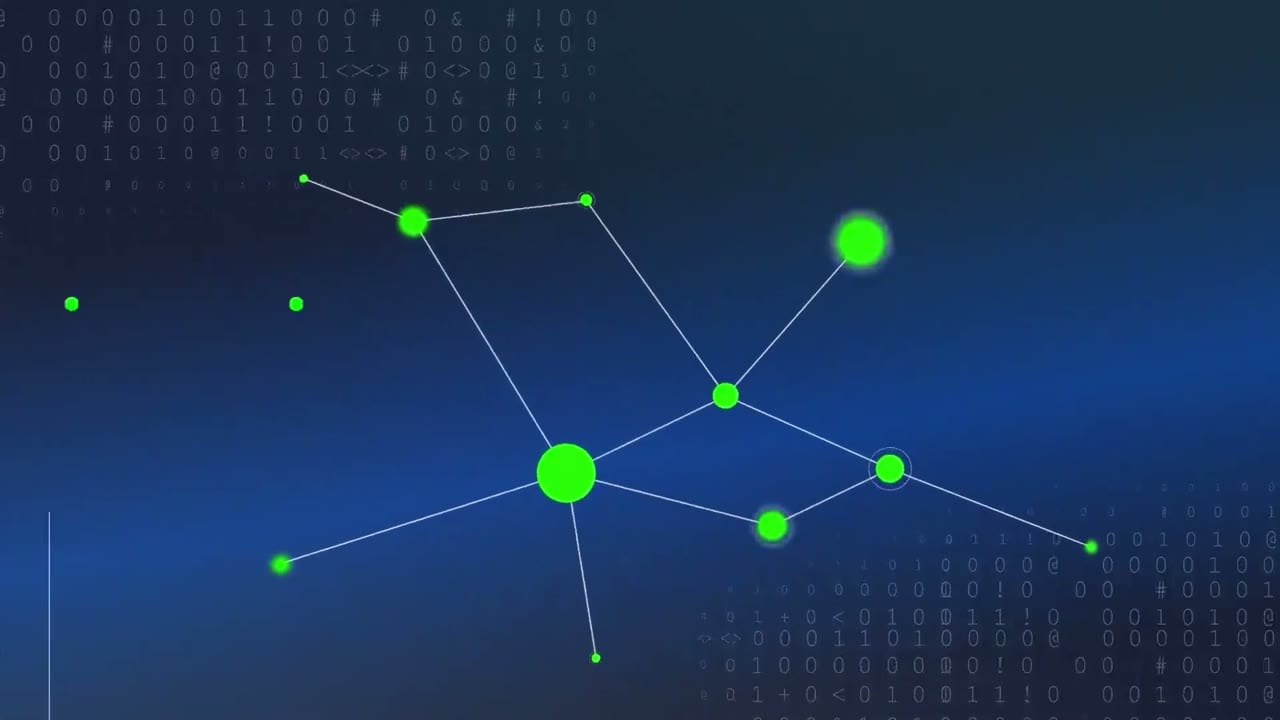
Explainer: “What is this and why does it matter?”
Use an explainer when people need to understand a concept before they care about features: a new category, infrastructure, security, compliance. It works with story, metaphor and simplified visuals. Typical length: 60 to 120 seconds, sometimes more for complex deep-tech.
Product video: “Why this product?”
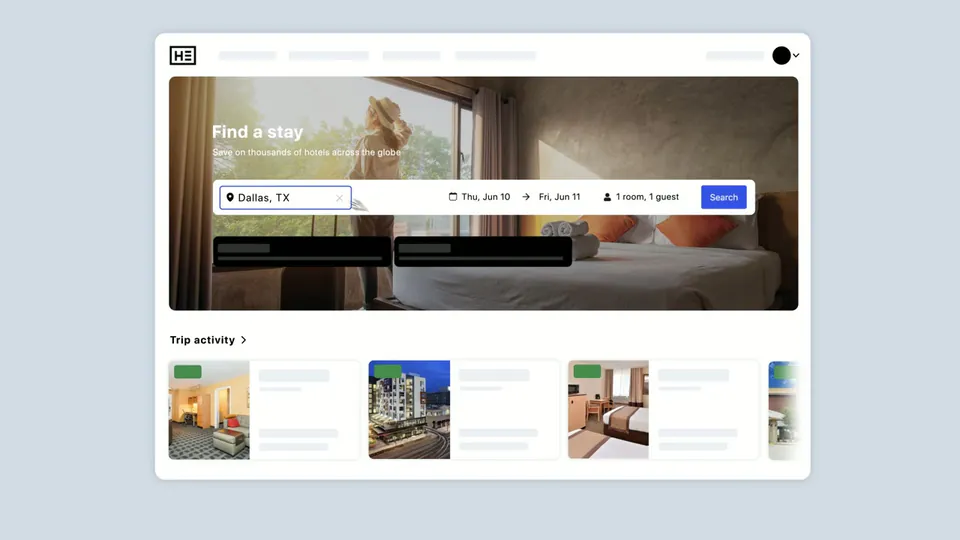
A product or launch video shows the product at its best: key features, the interface, the result for the user. It is shorter and faster, made for a launch page, paid social or the top of a sales deck. Real interface animation matters here: people should recognise the product when they open it.

UI walkthrough: “How do I use it?”
A walkthrough follows a real task through the interface, step by step. It belongs in onboarding, help centres and sales demos. Clarity matters more than style, and it needs updating when the product changes.
How to choose
For a launch, many teams need a product video first and a few feature cuts after it. If the category itself is new, start with an explainer and cut the product video from the same visual system.
- Your audience doesn’t understand the problem yet: explainer.
- They understand the problem and compare solutions: product video.
- They already chose you and need to start: walkthrough.
Plan it as a system
One well-planned master film can produce cutdowns, vertical versions and feature clips for months. Decide the formats before production so the shots and the edit support all of them.
FAQ
Can one video do all three jobs?
Rarely well. It is usually better to make one master film and plan shorter cuts for each job.
Do you need final designs to start?
No. Script and storyboard can start from your current product; the animation uses the final Figma files.